
Use case
Detect black screen, frozen picture and missing audio
Get an alarm the moment a channel goes black, freezes or falls silent.
The problem
Why it happens
A transport stream can look perfectly healthy while the picture inside it is black, frozen on one frame or has lost its sound. Bitrate and continuity counters stay green, so network monitoring alone does not notice. Usually the first warning is a viewer calling in.
Sounds familiar?
- Viewers report a black or frozen channel before the control room does
- A playout or encoder fault leaves a still frame on air for hours
- Audio drops on one service while the video carries on
- Overnight problems are only found in the morning
The KVARTA way
How we solve it
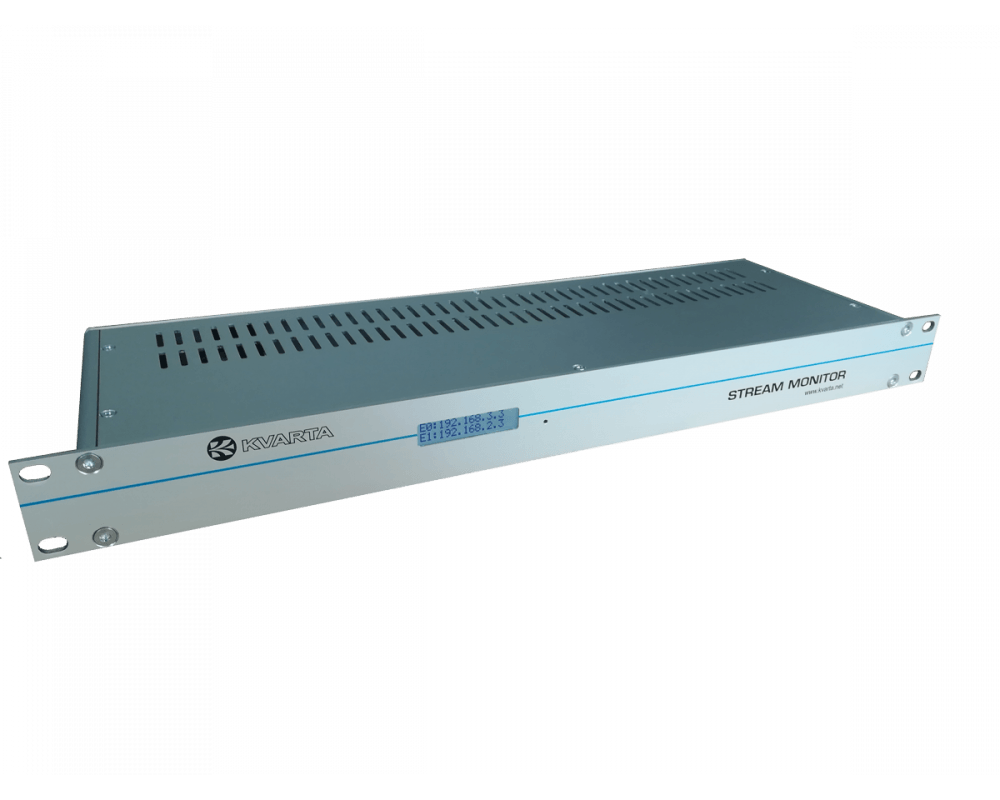
KVARTA stream monitors decode the services, not just the packets. They check every channel for audio and video freeze and black picture, and raise an e-mail or SNMP alarm with a timestamp. The Multiview Stream Monitor also puts every channel on one mosaic, so an operator can see the problem straight away.
What is checked
- Video freeze and black picture
- Audio freeze and missing audio
- Missing audio or video PIDs
- Timestamped alarm log
Devices
Recommended for this use case
FAQ
Common questions
Can black screen detection work on IPTV multicast as well as RF?
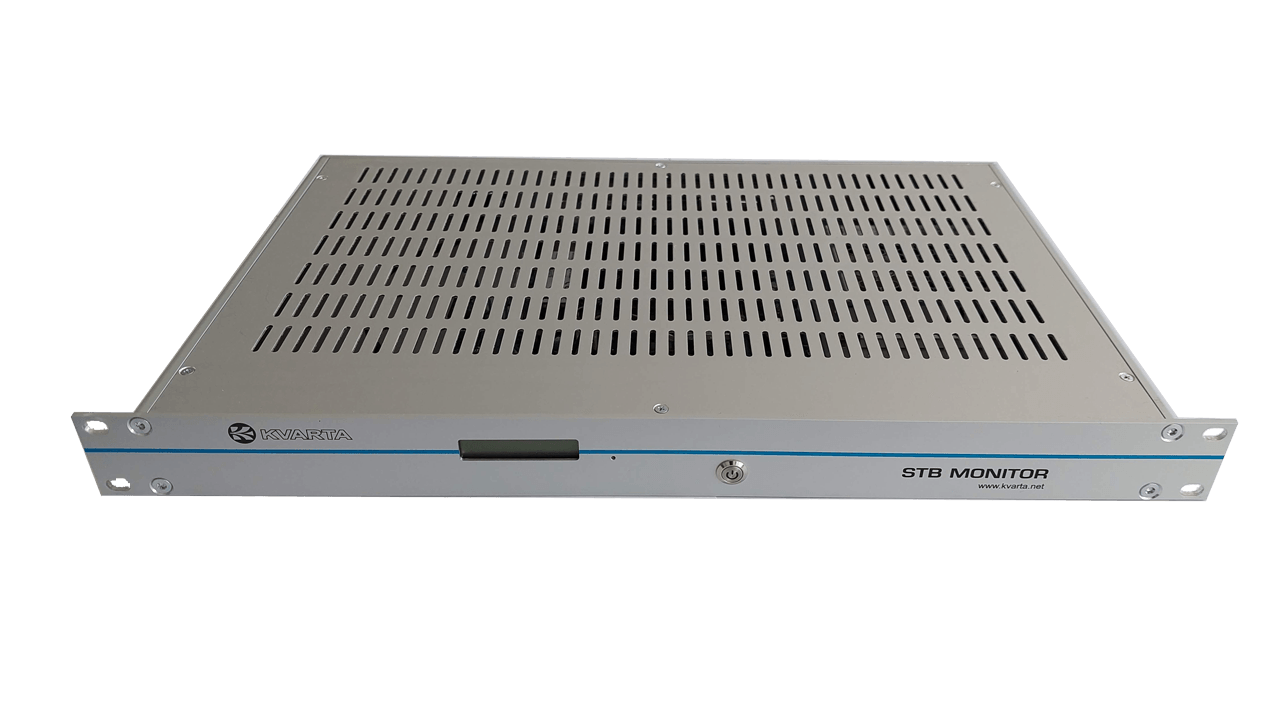
Yes. The Multiview Stream Monitor takes TSoIP, OTT and DVB-C/T/T2/S/S2 inputs, and the DVB Stream Monitor covers both RF and UDP multicast.
How are we told about a frozen channel?
By e-mail, by SNMP trap to your network management system, and in the device’s own alarm log with an accurate time.
Used by: TV broadcastersCable TV operatorsIPTV and OTT providersTelecom operators
Related
More in IPTV and OTT monitoring
TR 101 290 transport stream monitoring
Priority 1, 2 and 3 checks on every MPEG transport stream you carry.
Read the use caseIPTV multicast monitoring: CC errors, RTP errors and packet loss
Watch hundreds of UDP/RTP streams for loss, delay and bitrate problems.
Read the use caseHLS and OTT stream monitoring
Check that your HLS and OTT outputs really play, not only that the origin answers.
Read the use caseSee it on a live device
Open the demo lab (free registration), or tell us about your network and we will propose a setup.